

ProductiveRecruit January 2026 Product Update
What's new this month: Streamlined workflows for single-sport clubs, smarter email tools, and sport-specific customizations that speak your language.

Colin McAtee
Founder

We kicked off 2026 with a focus on making ProductiveRecruit work better for how you actually operate—whether you're running a specialized soccer academy, coordinating across multiple spaces in your organization, or coaching athletes across different sports. Here's everything we shipped in January.
Better Athlete & Team Management
Bulk Checklist Assignment Across Spaces
For organizations managing multiple spaces, you can now assign checklists to athletes in bulk from the "All Athletes" page. This was already possible within individual spaces, but now admins overseeing the entire account can apply checklists across their organization without jumping between spaces.
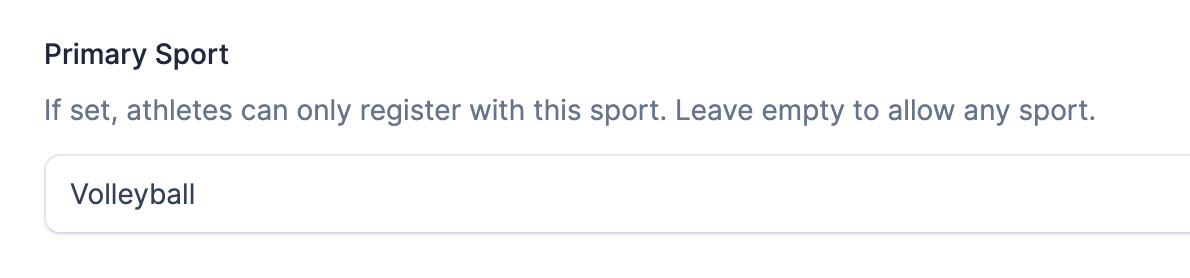
Primary Sport Setting for Single-Sport Organizations
If you run a soccer club, gymnastics academy, or any organization focused on a single sport, registration just got simpler. Set your primary sport once in Space Settings, and athletes can only register with that sport—no more dropdown confusion or accidental misselections. The system auto-selects and locks the sport for single-variant options like Football.
Cleaner Athlete Lists
Active athletes now display by default, with easy filtering to find who you need. Archived athletes are clearly separated and can only be restored—preventing accidental bulk actions on inactive records.
Smarter Email & Communication
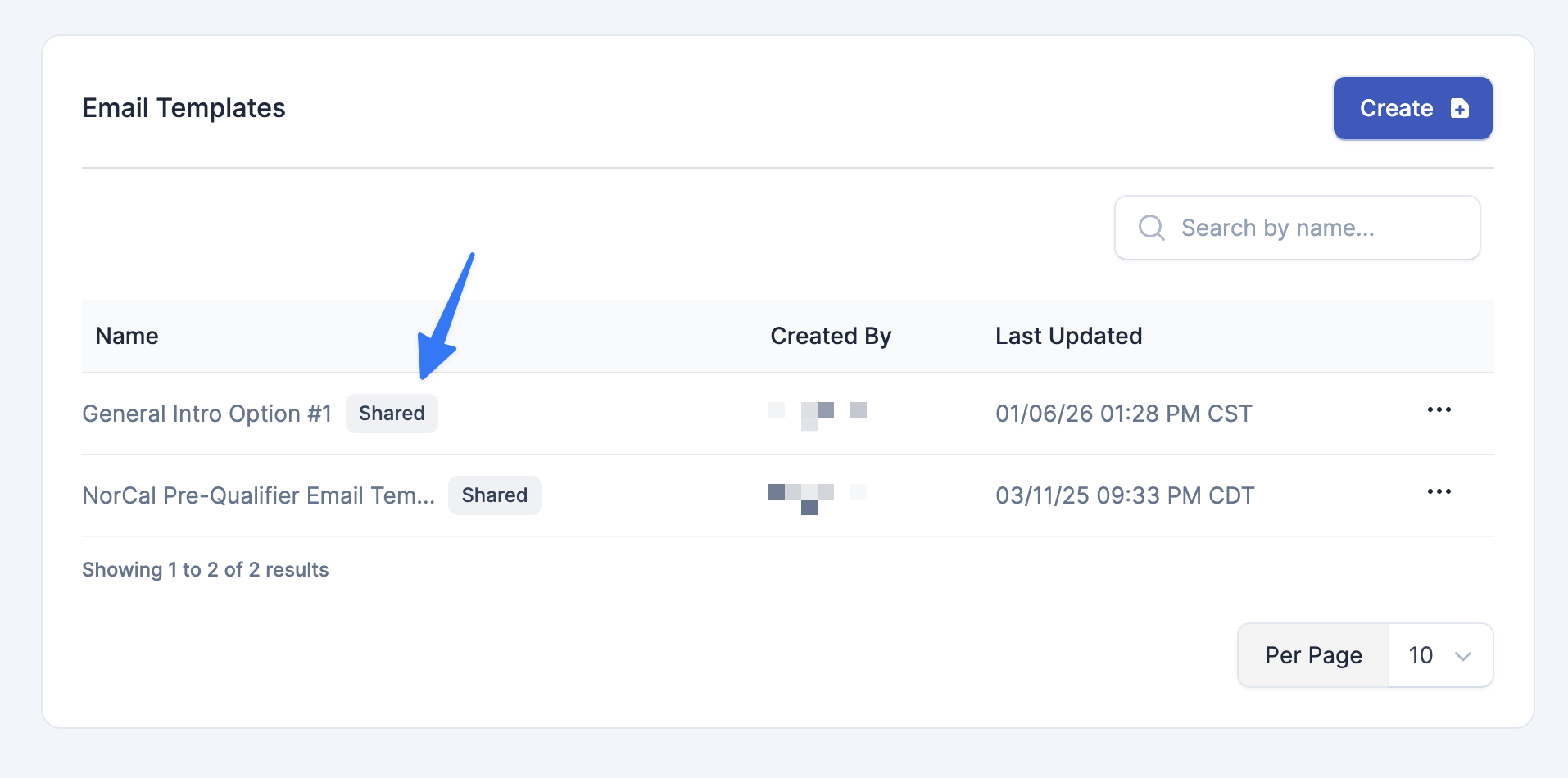
Shared Email Templates
Athletes can now view email templates you've shared with them, marked with a "Shared" badge. This makes it easier to collaborate on outreach and ensure everyone's using consistent messaging.
Gmail Integration Improvements
We've tightened up Gmail validation to properly reject non-Gmail addresses during OAuth setup, with clear error messages when something's wrong. We also increased the email open tracking delay from 30 seconds to 2 minutes—this reduces false positives from university email security scanners that were artificially inflating open rates.
Better Invite Emails
New invite emails now include a link to ProductiveRecruit Academy and a prompt to set up Gmail integration—helping new users get up to speed faster.
Sport-Specific Customization
ProductiveRecruit now uses terminology that matches how each sport actually talks about positions:
- Track, Swimming, Cross Country → "Events"
- Gymnastics → "Apparatus"
- Wrestling → "Weight Classes"
For sports that don't use positions at all—Golf, Bowling, Dance, Cheerleading, and Esports—the positions section is now completely hidden. Small details, but they add up to a more professional experience for your athletes and staff.
UI Polish
A few smaller improvements that make daily use smoother:
- College program email subjects now clip to 20 characters for better readability in lists
- State abbreviations now appear alongside program names in dropdowns, making it easier to find the right school
- The upgrade card for free users moved to the right sidebar—less intrusive, still accessible
What's Next
These updates reflect what we're hearing from coaches, club directors, and organizations every day. If there's something that would make ProductiveRecruit work better for you, I'd love to hear it.
Questions about any of these features? Reach out to our support team or check out ProductiveRecruit Academy for tutorials and best practices.
— Colin, Founder of ProductiveRecruit


Ready to start your recruiting journey?
Join 25,000+ athletes using ProductiveRecruit to connect with college coaches.